ZaneShot for macOS 14+
Take a scrolling screenshot on Mac
Capture a long webpage as one image with ZaneShot. Keep the content below the viewport together, then annotate or share the result.
One-time purchase · No subscription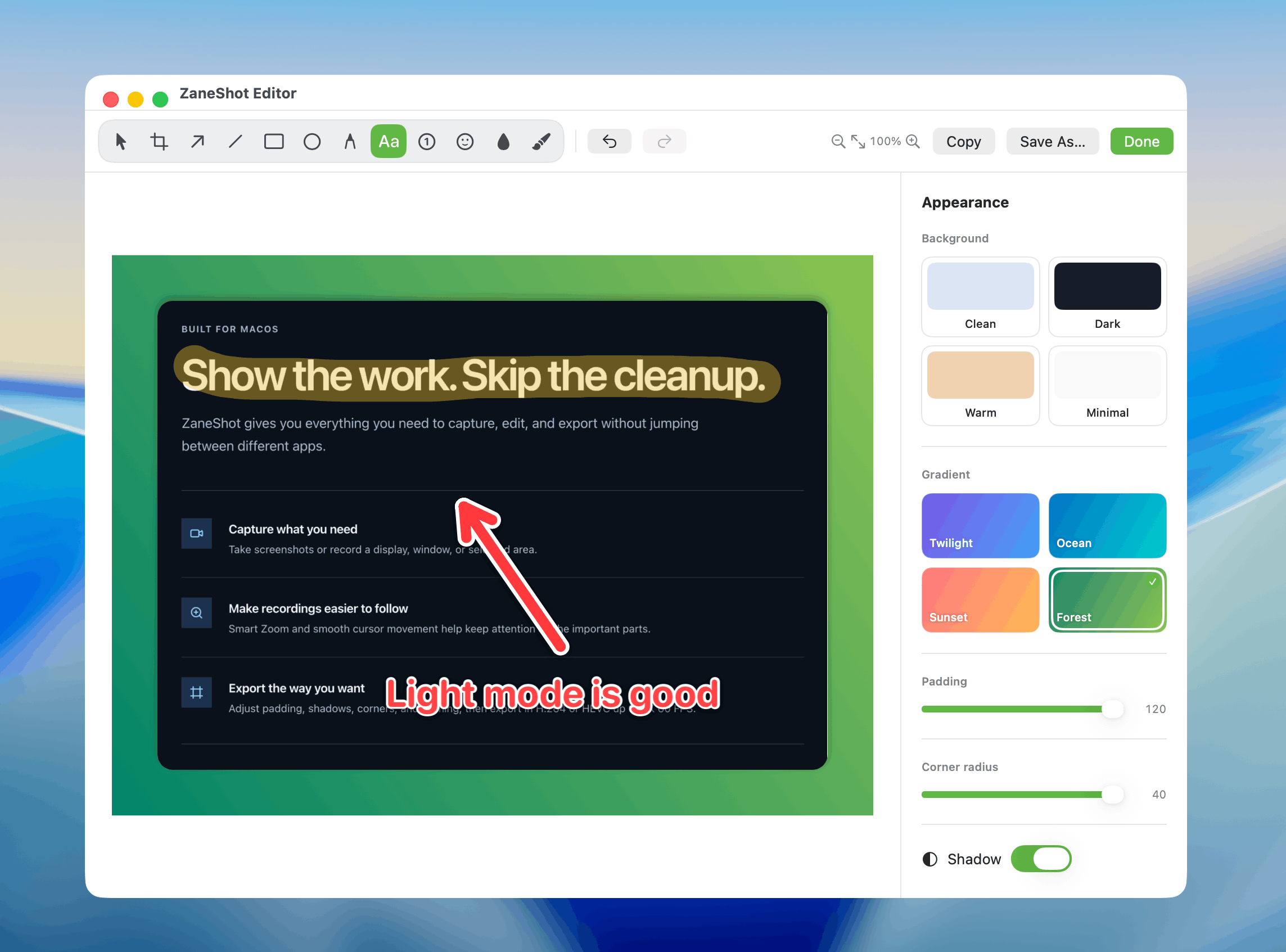
Keep the whole page together
Save the visible page and the content below it in one scrolling screenshot.
Explain what matters
Add text, arrows, shapes, blur, or numbered steps before you send the image.
Move it into your work
Copy, save, or drag the capture into a chat, document, or another Mac app.